How To Clean White Beats Headphones?
White Beats headphones are not only a symbol of audio quality but also a stylish accessory that complements your attire. However, like any other electronic device, they are susceptible to dust, dirt, and sweat accumulation over time. So, how to clean white Beats headphones?
Author:Iram MartinsReviewer:Frazer PughAug 16, 202384.3K Shares1.5M Views
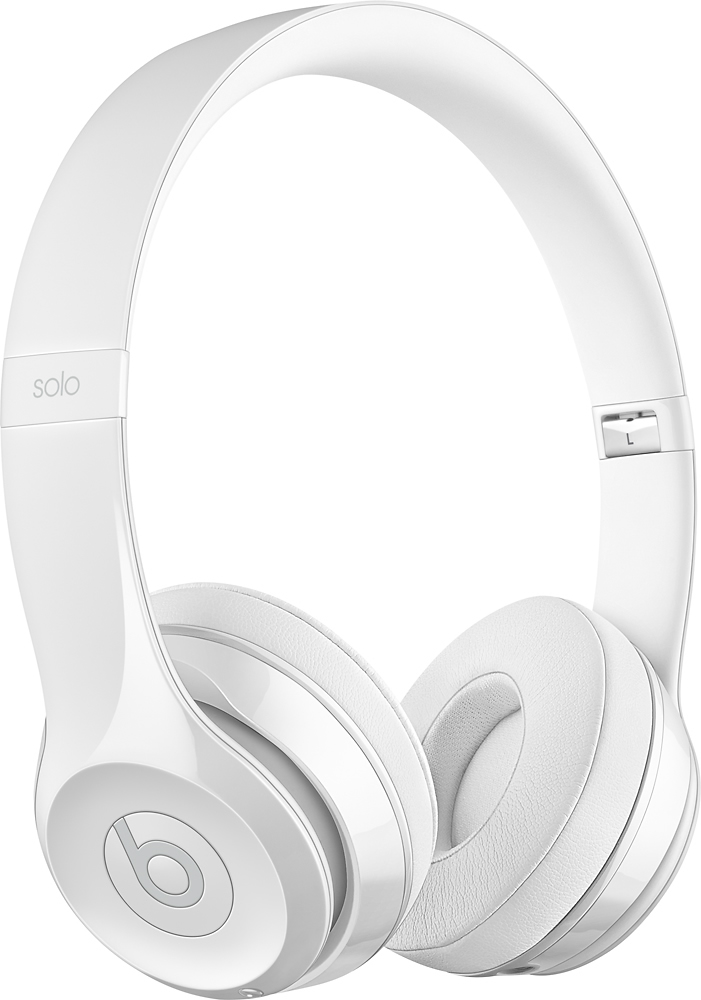
White Beats headphones are not only a symbol of audio quality but also a stylish accessory that complements your attire. However, like any other electronic device, they are susceptible to dust, dirt, and sweat accumulation over time. So, how to clean white Beats headphones?
Proper cleaning is essential not only for hygiene but also for maintaining the appearance and functionality of your headphones. Neglecting to clean and take care of your white Beats headphones can lead to unpleasant odors, stains, and stickiness.
Your white Beats headphones will last longer and look better if you clean and maintain them properly. Find out how to maintain, clean, and store your white Beats headphones or earphones.
In this guide, we'll walk you through step-by-step instructions on hhow to clean white Beats headphones effectively.
Materials You'll Need
Cleaning your white Beats headphones is not just about maintaining their appearance; it's also crucial for ensuring proper hygiene and preserving their performance over time.
To effectively clean your headphones without causing any damage, it's important to have the right materials on hand. In this guide, we'll delve into the essential materials you'll need to clean your white Beats headphones properly.
Soft Microfiber Cloth
A soft microfiber cloth is an indispensable tool for cleaning electronic devices, including headphones. Microfiber cloths are designed to pick up dust, dirt, and smudges without scratching the surface. The fibers are finer than traditional fabrics, making them highly effective for wiping down sensitive surfaces like headphone exteriors, ear cups, and headbands.
Cotton Swabs
Cotton swabs are versatile tools for cleaning small and intricate areas that are difficult to reach with larger cleaning materials. These swabs are particularly useful for cleaning crevices, seams, and tiny openings around buttons, controls, and ports. They allow for precise cleaning without the risk of accidentally damaging sensitive components.
Isopropyl Alcohol (70% Or Higher)
Isopropyl alcohol is a staple for electronic cleaning due to its ability to effectively remove dirt, grime, and oils without leaving behind residue. A concentration of 70% or higher is recommended for electronic devices.
Isopropyl alcohol is safe to use on most headphone surfaces, but it should be used sparingly and not applied directly to the headphones. Instead, it's best to apply it to a cloth or cotton swab before cleaning.
Distilled Water
Distilled water is preferable to tap water for cleaning purposes because it has fewer impurities and minerals that can leave behind streaks or spots. It's particularly useful for dampening a cloth when cleaning headphone surfaces. Avoid using excessive water, as moisture can damage internal components if it seeps inside.
Mild Soap
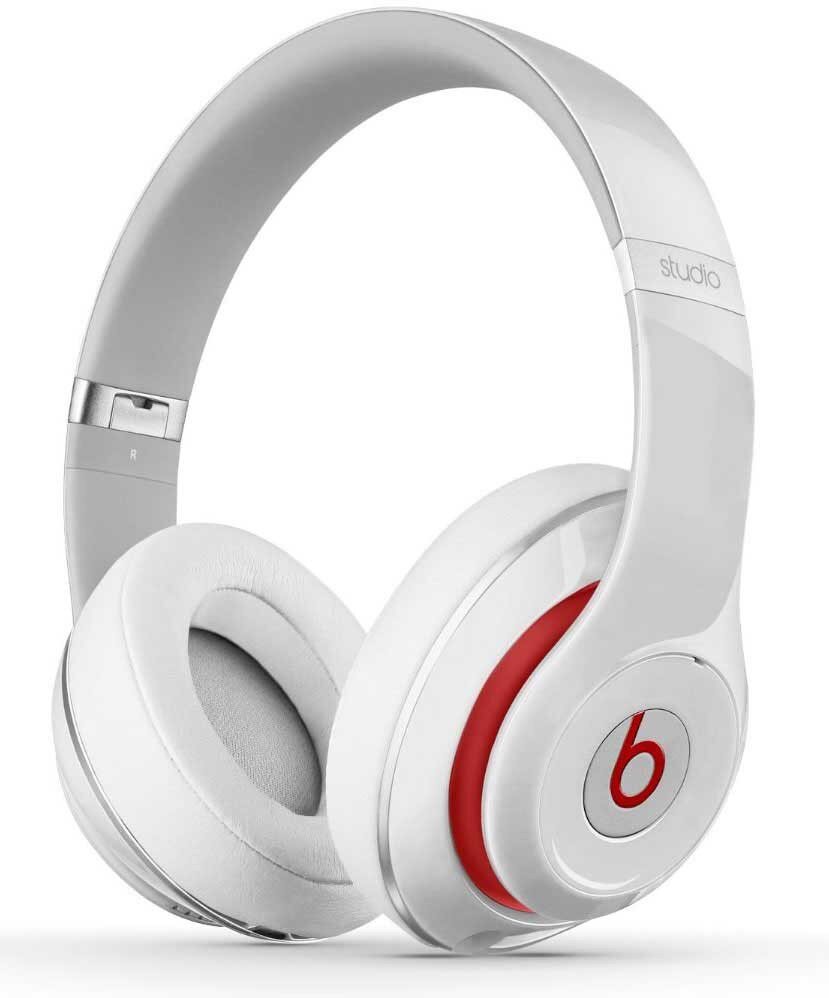
In some cases, you might need to do a deeper clean to remove stubborn dirt or residue. A small amount of mild soap, preferably non-abrasive and free of harsh chemicals, can be added to distilled water to create a gentle cleaning solution. This solution can be used to clean ear cups and other parts of your headphones, provided you're cautious not to saturate the surfaces.
Using The Materials Effectively
When utilizing these materials, it's important to exercise caution and follow best practices to avoid causing any damage to your headphones:
- Use the microfiber cloth for dry dusting to prevent scratching the surface.
- Dampen the cloth or a cotton swab with water or a mild soap solution for gentle cleaning.
- Use isopropyl alcohol sparingly on cotton swabs to clean areas around buttons, controls, and ports.
- Never immerse your headphones in any liquid, including isopropyl alcohol.
- Allow your headphones to air dry thoroughly before using or storing them.
Step-by-step Guide To Cleaning Your White Beats Headphones
Cleaning your white Beats headphones isn't just about removing dirt and smudges; it's about maintaining their functionality and aesthetics. Following a systematic cleaning process is essential to ensure that your headphones remain in pristine condition while avoiding potential damage.
In this guide, we'll walk you through a step-by-step cleaning process to help you effectively clean your white Beats headphones.
Power Off And Disconnect
Before you begin cleaning, ensure that your Beats headphones are turned off and disconnected from any devices. This precaution prevents accidental changes in settings or interference during the cleaning process.
Remove Ear Cushions (If Applicable)
Some Beats headphones feature removable ear cushions. If your model allows for this, gently detach the ear cushions according to the manufacturer's instructions. This step provides better access for thorough cleaning.
Dry Dusting
Start by using a soft microfiber cloth to gently wipe the exterior surfaces of your headphones. This removes loose dust and dirt particles that might have accumulated over time. Pay special attention to the headband, ear cups, and other visible areas.
Cleaning Ear Cushions
If your headphones have removable ear cushions, dampen a microfiber cloth with a mixture of distilled water and a small amount of mild soap. Gently wipe down the cushions, being careful not to oversaturate them. Avoid using excessive water, as it can seep into the cushion padding.
Cleaning Ear Cups
Dampen another microfiber cloth with the water and mild soap solution. Gently wipe the ear cups, taking care not to let any liquid enter the speaker drivers or electronic components. Focus on areas with visible smudges or dirt buildup.
Cotton Swabs For Crevices
Dip a cotton swab in isopropyl alcohol (70% or higher) and carefully clean areas that are difficult to reach with the cloth. These may include seams, crevices, buttons, controls, and ports. Isopropyl alcohol helps remove stubborn dirt and disinfects surfaces. However, make sure the cotton swab is only lightly dampened, not soaked.
Headband Cleaning
Use the same alcohol-dampened cotton swab to clean the headband, paying attention to areas where it adjusts in length. The headband can accumulate sweat, oils, and dirt, so thorough cleaning is important for both hygiene and appearance.
Controls And Ports
Gently clean the controls, buttons, and ports using a dry cotton swab. If needed, you can slightly dampen the swab with isopropyl alcohol to remove dirt and disinfect these areas.
Allow To Dry
After using damp materials for cleaning, allow your headphones to air dry for a period. Placing them in a well-ventilated area can speed up the drying process. It's essential that your headphones are completely dry before you reconnect or use them to prevent any potential damage.
Reassemble
If you removed any parts, such as ear cushions, reattach them once everything is thoroughly dry. Make sure they are securely and correctly in place to maintain optimal comfort and performance.
Precautions And Tips For Cleaning White Beats Headphones Effectively
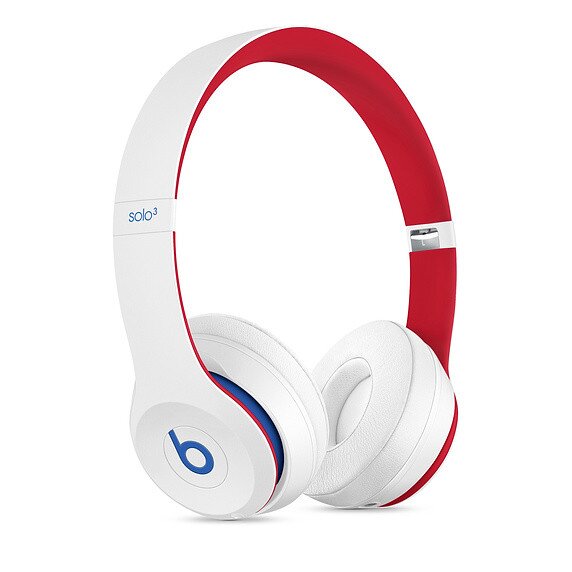
Cleaning your white Beats headphones is essential not only for maintaining their appearance but also for preserving their performance and hygiene. However, it's important to approach the cleaning process with care and follow specific guidelines to avoid damaging the delicate electronic components.
In this guide, we'll provide you with a comprehensive list of tips and precautions to help you clean your white Beats headphones safely and effectively.
Avoid Excessive Moisture
One of the most crucial tips when cleaning your headphones is to avoid excessive moisture. While it's acceptable to use damp materials for cleaning, excess moisture can seep into the headphone's internal components and cause irreparable damage.
Always ensure that your cleaning materials are only slightly damp, and never immerse your headphones in any liquid, including water or cleaning solutions.
Use The Right Cleaning Materials
Using the right cleaning materials is paramount to preventing scratches, damage, and residue buildup. Opt for soft microfiber cloths that won't scratch the surface and cotton swabs for cleaning small crevices. When using liquid solutions, stick to mild soap and distilled water, or isopropyl alcohol (70% or higher) for disinfection.
Gentle Approach
When cleaning your headphones, adopt a gentle approach to avoid putting excessive pressure on the components. Scrubbing vigorously or using abrasive materials can lead to scratches, scuffs, or unintended damage. Instead, use gentle wiping motions with a soft cloth.
No Submersion
Never submerge your headphones in water or any liquid. Water can easily damage the internal wiring, speaker drivers, and electronic components. Instead, use a slightly damp cloth or cotton swab to clean the exterior surfaces.
Isopropyl Alcohol Caution
While isopropyl alcohol is effective for disinfection and removing stubborn dirt, use it with caution. Apply it sparingly and only to a cotton swab, not directly onto the headphones. Ensure that the swab is lightly damp, not dripping wet.
Allow Proper Drying Time
After cleaning with damp materials, allow your headphones to air dry thoroughly before reconnecting or using them. Placing them in a well-ventilated area can expedite the drying process.
Mind The Ear Cushions
If your headphones have removable ear cushions, follow the manufacturer's instructions for detachment and reattachment. Avoid using excessive water on the cushions, as it can affect the cushion padding and sound quality.
Store In A Clean Environment
When not in use, store your headphones in a clean and dry environment. This prevents dust and dirt from accumulating and minimizes the frequency of cleaning.
Be Aware Of Internal Wiring
When cleaning around the headband and ear cups, be cautious of any exposed wiring or electronic components. Avoid applying excessive pressure or using sharp objects that could damage these sensitive parts.
Consistency Is Key
Incorporate regular cleaning into your headphone care routine to prevent dirt buildup. A consistent cleaning schedule will ensure that your headphones stay in top condition.
Read The Manufacturer's Guidelines
Lastly, always consult the manufacturer's guidelines or user manual for specific cleaning recommendations. Different headphone models may have unique cleaning instructions that you should follow to prevent voiding warranties or causing damage.
People Also Ask
How Do I Clean White Beats Headphones Properly?
To clean white Beats headphones, start by using a soft microfiber cloth to wipe away dust and smudges. You can also dampen a cloth with a mixture of water and mild soap to clean the ear cups gently. For crevices, use isopropyl alcohol on a cotton swab. Remember to avoid excess moisture and let the headphones air dry before use.
Can I Use Water To Clean My White Beats Headphones?
Yes, you can use a damp cloth with a mixture of water and mild soap to clean the ear cups and exterior surfaces of your headphones. However, it's crucial to avoid excess moisture and ensure that no liquid seeps into the speaker drivers or electronic components.
Is It Safe To Use Isopropyl Alcohol On My White Beats Headphones?
Yes, isopropyl alcohol can be used sparingly on a cotton swab to clean areas around the ear cups, controls, and ports. Just make sure not to oversaturate the swab, and allow the headphones to air dry afterward.
How Often Should I Clean My White Beats Headphones?
It's recommended to incorporate regular cleaning into your headphone maintenance routine. Depending on usage, cleaning every few weeks or when you notice dirt accumulation can help maintain their appearance and functionality.
Can I Remove The Ear Cushions Of My White Beats Headphones For Cleaning?
Many Beats headphones have removable ear cushions that can be detached for separate cleaning. Refer to the manufacturer's instructions to ensure proper removal and reattachment without damaging the headphones.
Conclusion
How to clean white Beats headphones? With the right materials and a gentle approach, you can enjoy your headphones in their pristine condition for years to come. Remember to exercise caution, especially around electronic components, and follow the manufacturer's guidelines if available.
By incorporating proper cleaning into your headphone care routine, you can continue enjoying your audio experience without compromise.

Iram Martins
Author
Iram Martins is a seasoned travel writer and explorer with over a decade of experience in uncovering the world's hidden gems. Holding a Bachelor's degree in Tourism Management from the University of Lisbon, Iram's credentials highlight his authority in the realm of travel.
As an author of numerous travel guides and articles for top travel publications, his writing is celebrated for its vivid descriptions and practical insights.
Iram’s passion for cultural immersion and off-the-beaten-path adventures shines through in his work, captivating readers and inspiring wanderlust.
Outside of his writing pursuits, Iram enjoys learning new languages, reviewing films and TV shows, writing about celebrity lifestyles, and attending cultural festivals.

Frazer Pugh
Reviewer
Frazer Pugh is a distinguished expert in finance and business, boasting over 6 years of experience. Holding an MBA in Finance from Stanford University, Frazer's credentials underscore his authority and expertise in the field.
With a successful track record in executive roles and as a published author of influential articles on financial strategy, his insights are both deep and practical.
Beyond his professional life, Frazer is an avid traveler and culinary enthusiast, drawing inspiration from diverse cultures and cuisines.
His commitment in delivering trustworthy analysis and actionable advice reflects his dedication to shaping the world of finance and business, making a significant impact through his work.
Latest Articles
Popular Articles